

 Click main image to view in full screen. Unlock all 20 preview images:
Argo Core (277 Slides, 14 Modules, 33 Editable Charts) – PowerPoint PPTX Template
PowerPoint (PPTX) 277 Slides


BENEFITS OF THIS DOWNLOADABLE POWERPOINT DOCUMENT
- 277 slides in one .pptx, numbered into 14 modules, plus nine use-case paths (investor pitch, board pack, quarterly review, turnaround brief and five more) that name which slides to use in what order.
- 33 native PowerPoint chart objects across 31 slides, each with an embedded worksheet: right-click, Edit Data, and your numbers replace the samples. Nothing is a flattened screenshot.
- 84 icons and five device frames as native shapes; Georgia and Arial only, so nothing to install; no macros. Opens in Google Slides and Keynote; Morph needs PowerPoint 2019 or Microsoft 365.
POWERPOINT DIAGRAMS COMPILATION PPT TEMPLATE DESCRIPTION
This download is one PowerPoint file: 277 slides, 16:9, the navy colorway. Everything described below is inside that file, and every count is what the file actually holds.
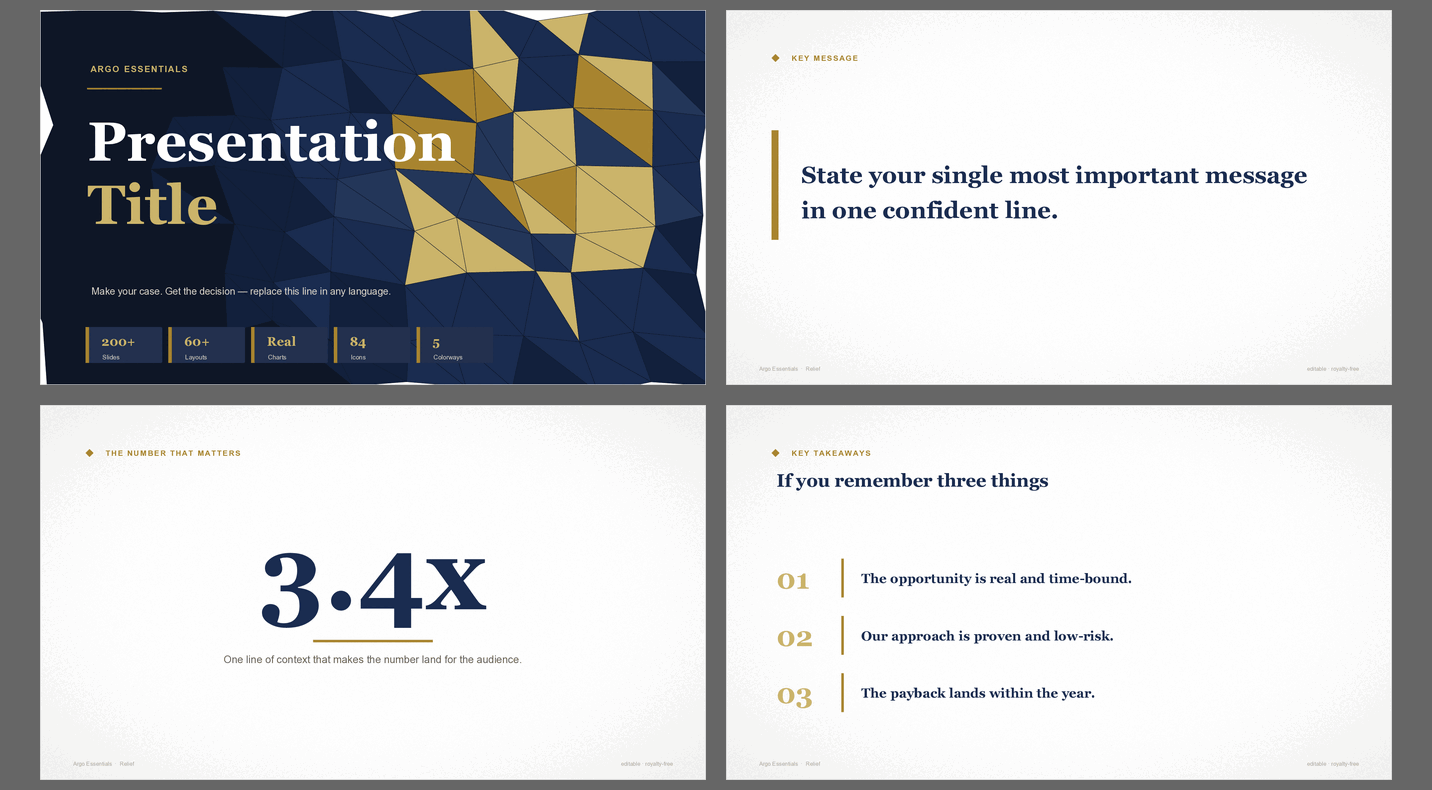
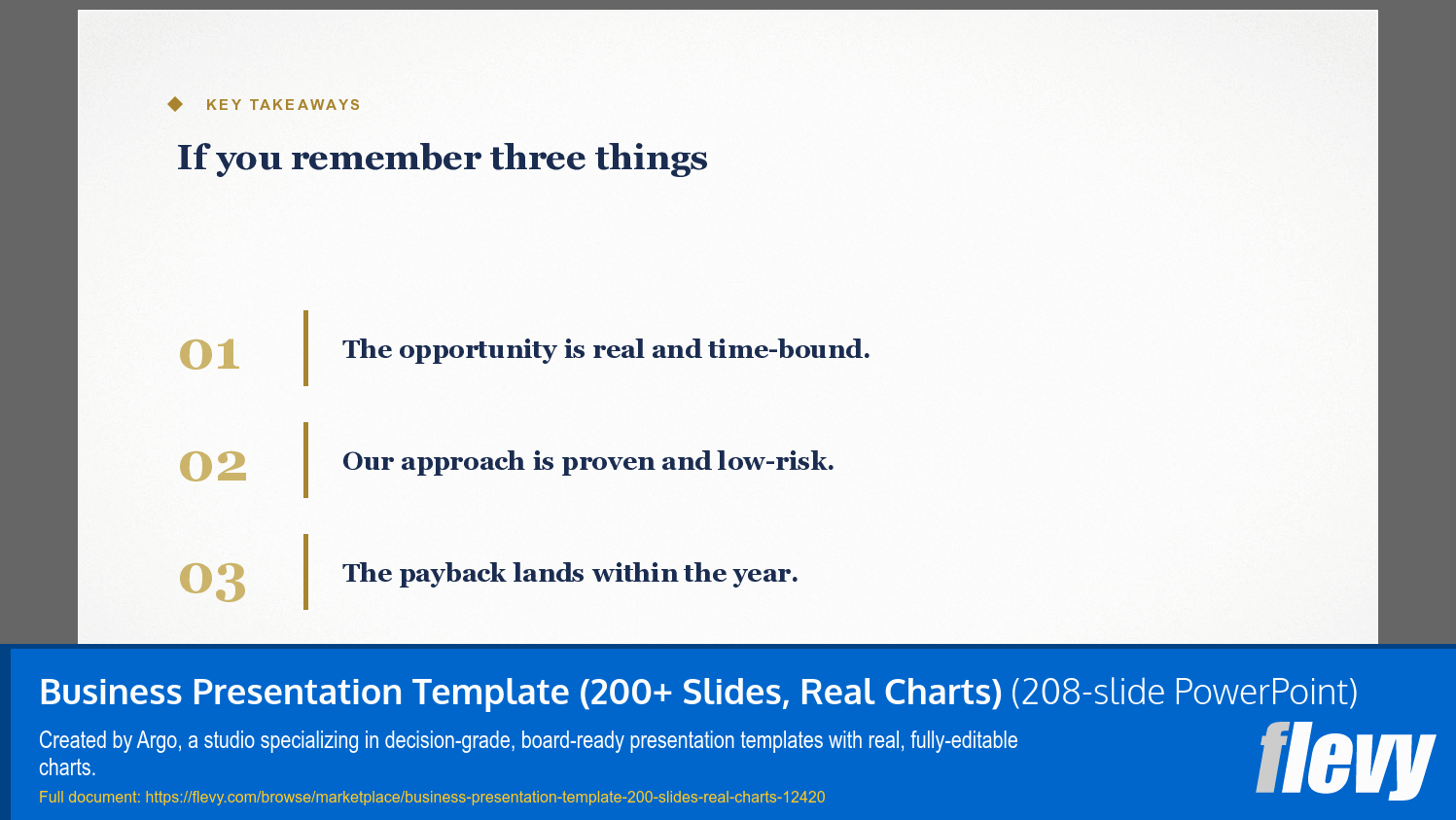
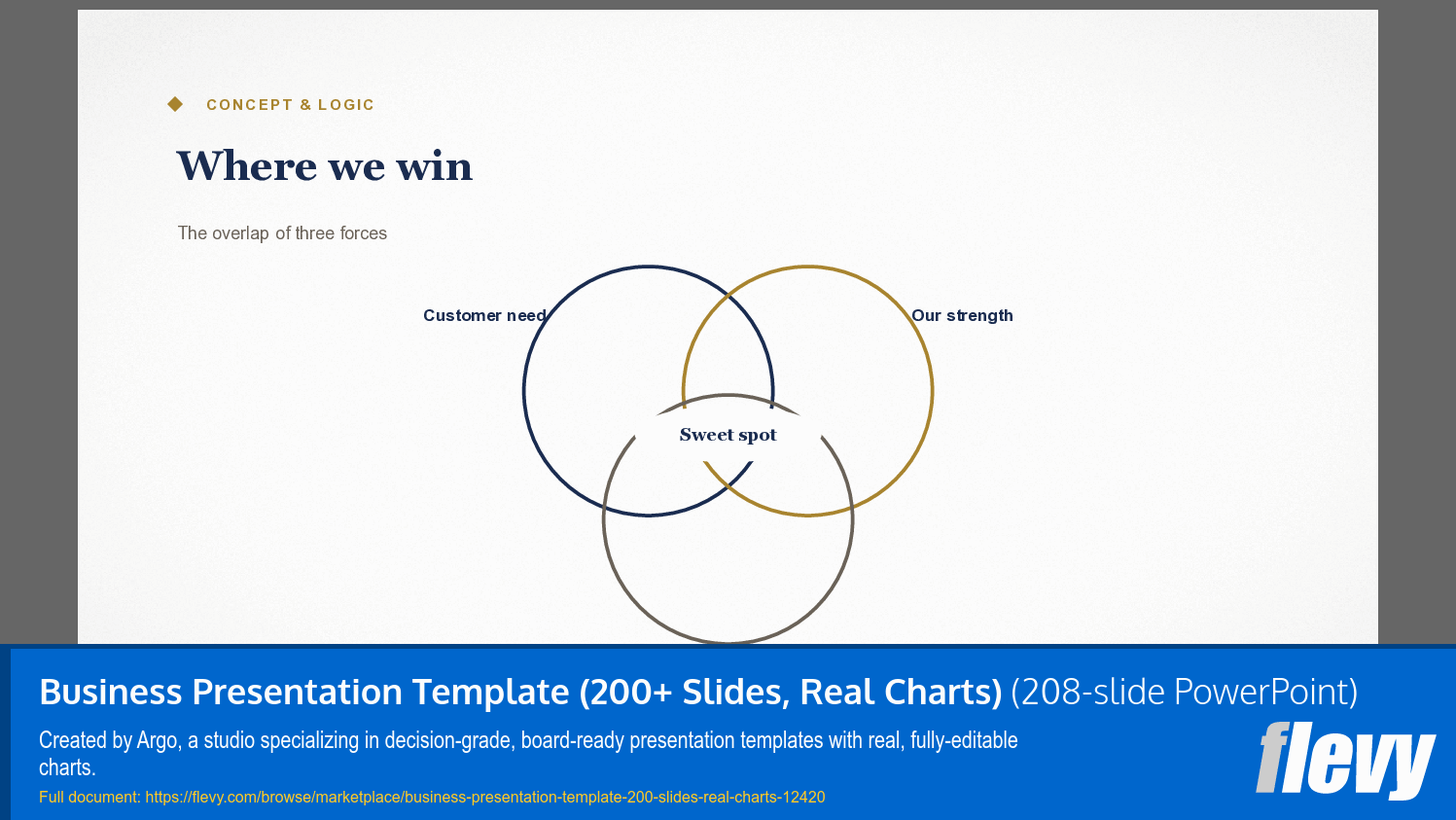
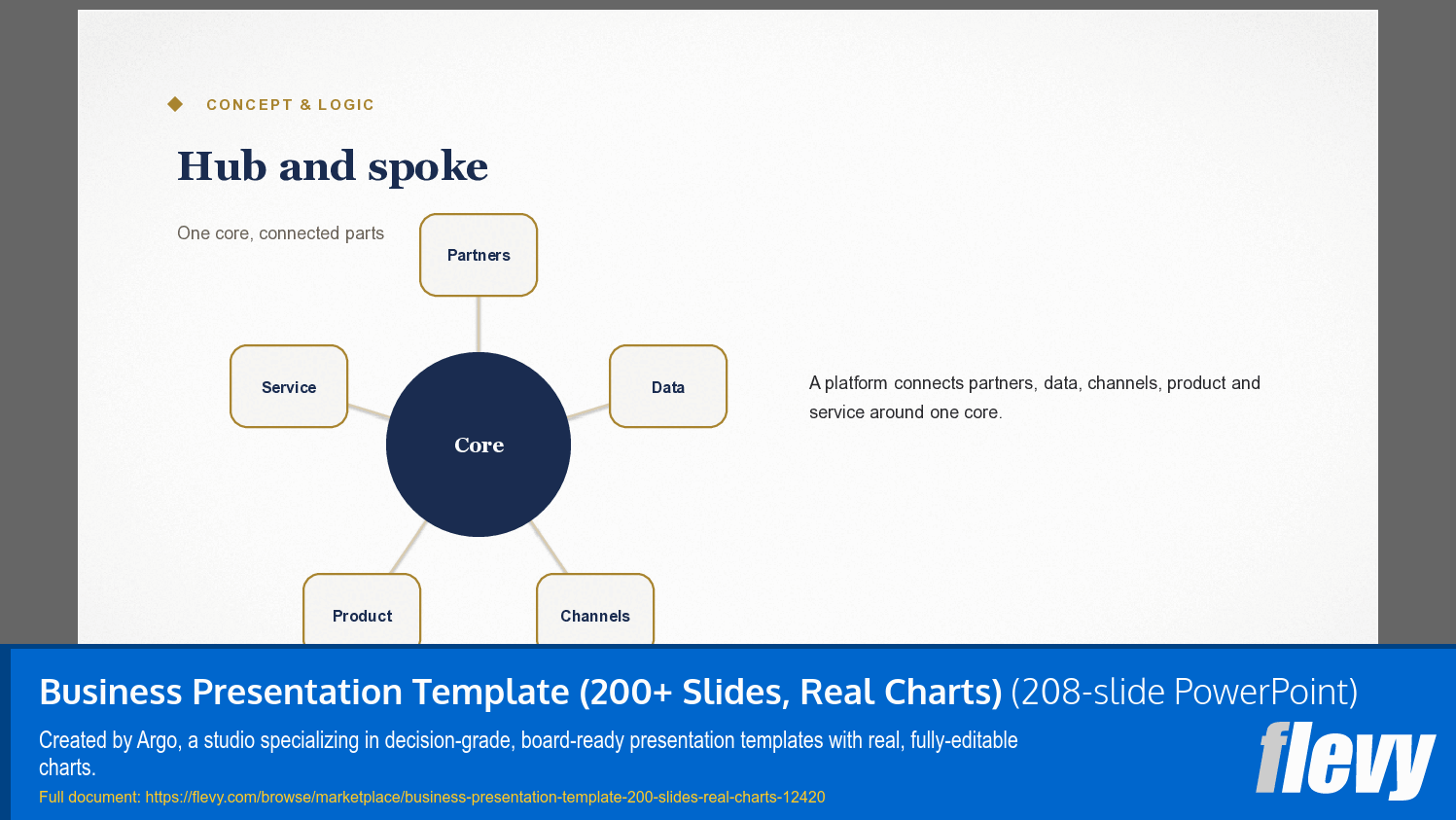
The 277 slides are numbered into 14 modules, and the divider pages are in the deck so you can navigate by them: 01 Openers and guide, 02 Agenda and dividers, 03 Executive and message, 04 Concept and logic, 05 Process and roadmap, 06 Data visualization, 07 KPI and metrics, 08 Comparison and frameworks, 09 Market and business, 10 People and customer voice, 11 Metaphor and visual, 12 Toolkit and media, 13 Motion and morph, 14 Closing. Market and business is the largest at 44 pages, then People and customer voice at 31 and Comparison and frameworks at 28.
Ahead of module 01 sit nine use-case paths: investor pitch, client proposal, board pack, program kickoff, quarterly business review, budget approval, annual strategy, transformation mandate, turnaround brief. Each path names the slides to use and the order to put them in, so you build a deck by following a route instead of browsing 277 layouts. A "how to read this deck" page explains the four marks that carry the judgment layer, and a decision-spine page tells you what survives when the meeting shrinks to ten minutes.
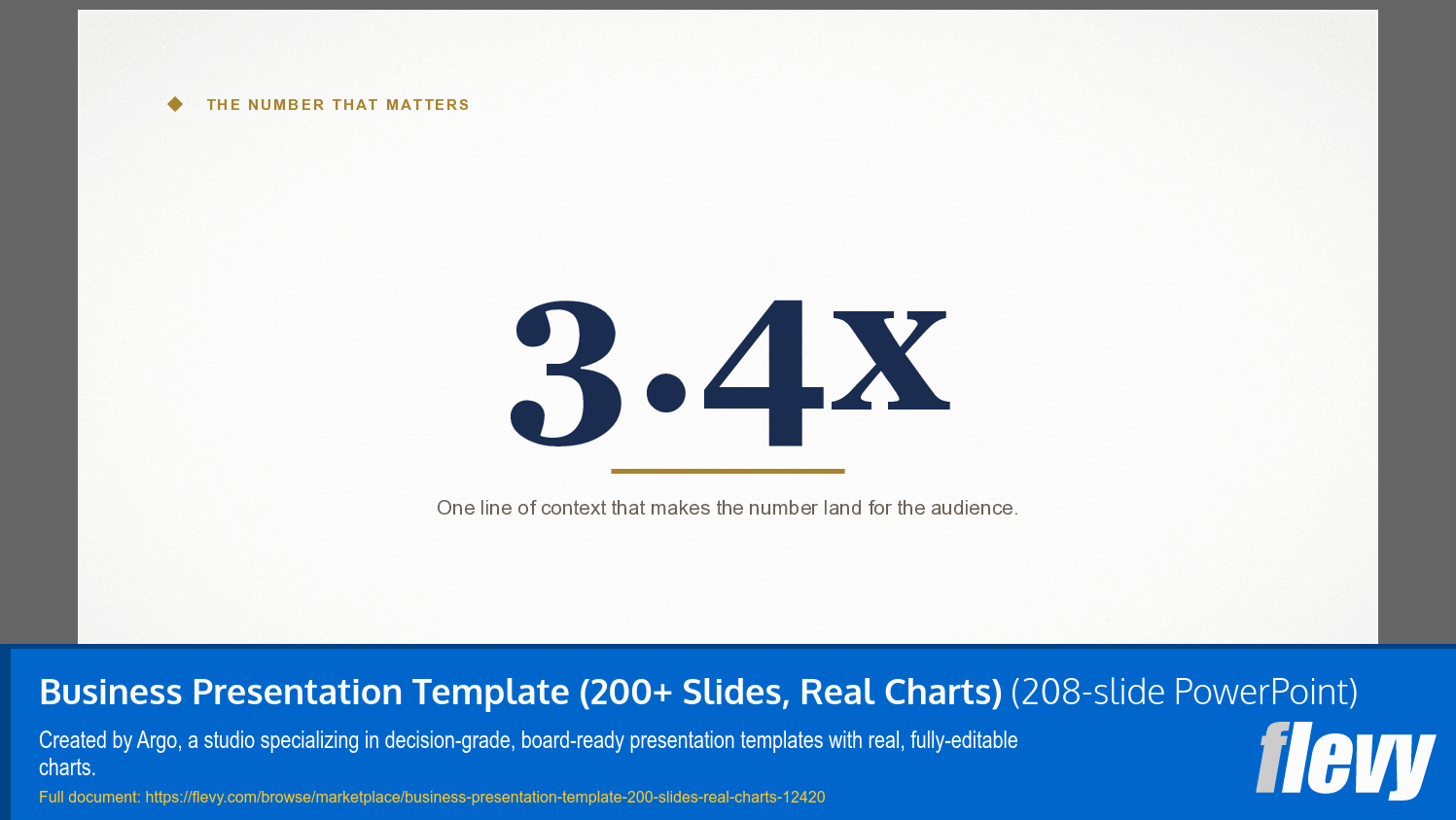
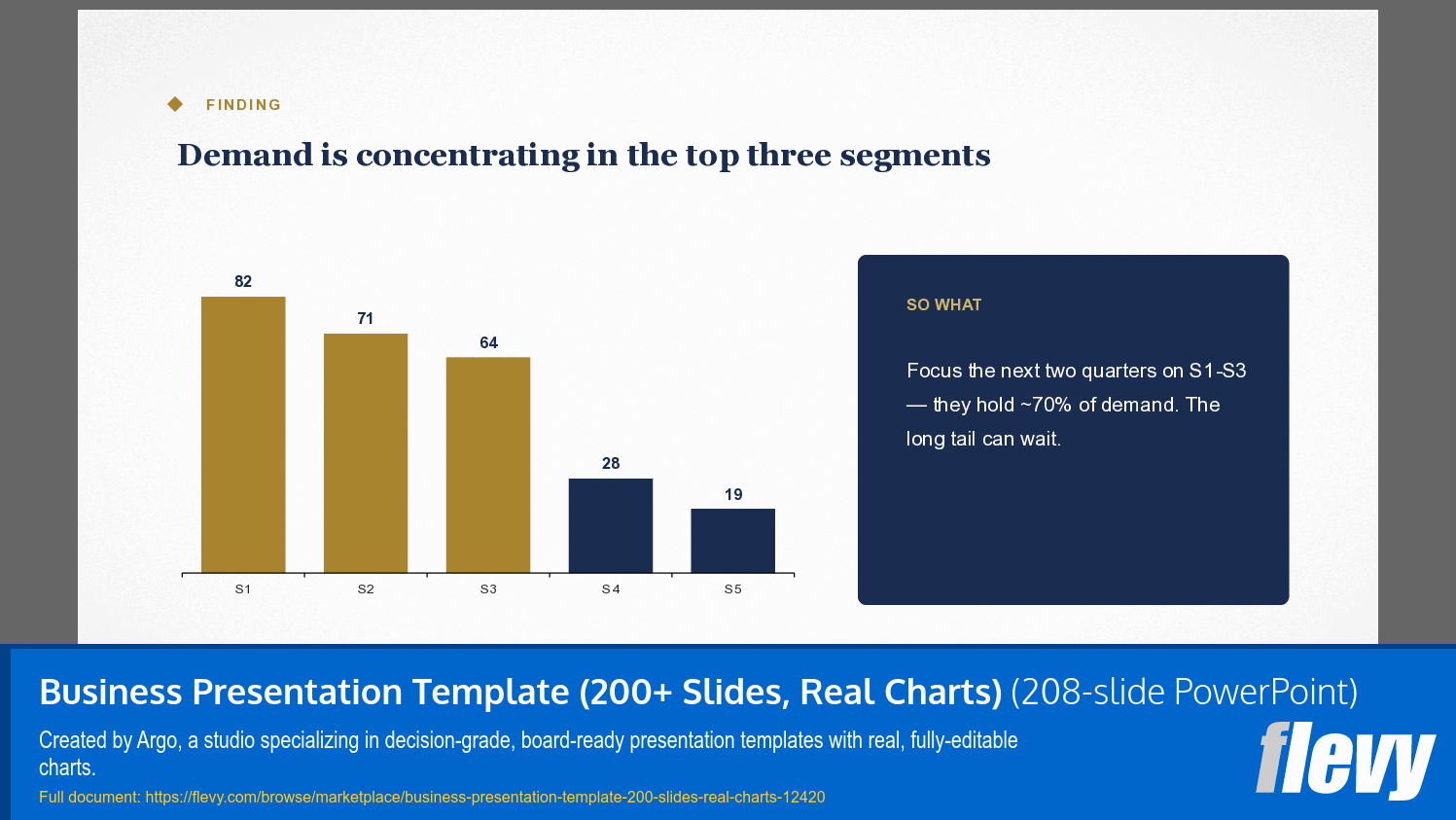
33 native PowerPoint chart objects sit across 31 of the 277 slides, each with its own embedded worksheet. Right-click the chart, choose Edit Data, and the worksheet opens on your numbers. The heaviest concentrations are Market and business with 12, KPI and metrics with 7, and Data visualization with 6. The other 246 slides are editable vector shapes rather than screenshots, so they restyle by retyping and recoloring – and that distinction is worth checking on any template you buy, because both kinds get called editable.
The toolkit module holds 84 icons drawn as native shapes across six pages – strategy and action, people and comms, industry, solution and capability, operations, finance and metrics – plus five editable device frames (laptop, phone, tablet, browser, monitor) you drop a screenshot into. These are shapes inside the deck, not a separate icon file.
Module 13 is 14 pages of Motion and Morph, built as slide pairs so the mechanism is visible: a staged reveal, charts that build, a zoom onto one number, a ranking that re-sorts itself, a tangle that resolves into a flow, a deck that cuts to its spine. Duplicate the slide, change what should move, apply Morph. Morph needs PowerPoint 2019 or Microsoft 365. No plugins, no video, no macros anywhere in the file.
The fonts are Georgia and Arial only, so it opens without a missing-font warning on any machine. The slides open in Google Slides and Keynote at 16:9 as clean static pages; editing chart data and running Morph are desktop PowerPoint. Rights, in plain words: use it in unlimited decks for your own business and in work you deliver to paying clients, and export to PDF, image or video and distribute those finished outputs however you like. No attribution. The one boundary is that you may sell what you make with it, not the template library itself.
Got a question about the product? Email us at support@flevy.com or ask the author directly by using the "Ask the Author a Question" form. If you cannot view the preview above this document description, go here to view the large preview instead.
Source: Best Practices in PowerPoint Diagrams Compilation PowerPoint Slides: Argo Core (277 Slides, 14 Modules, 33 Editable Charts) PowerPoint (PPTX) Presentation Slide Deck, Argo Decks